AppBlocks Cloud
The AppBlocks Cloud feature provides telemetry and data aggregation capabilities for sending device data to the cloud. AppBlocks Cloud optimizes data transmission with batching, compression, and efficient protocols.
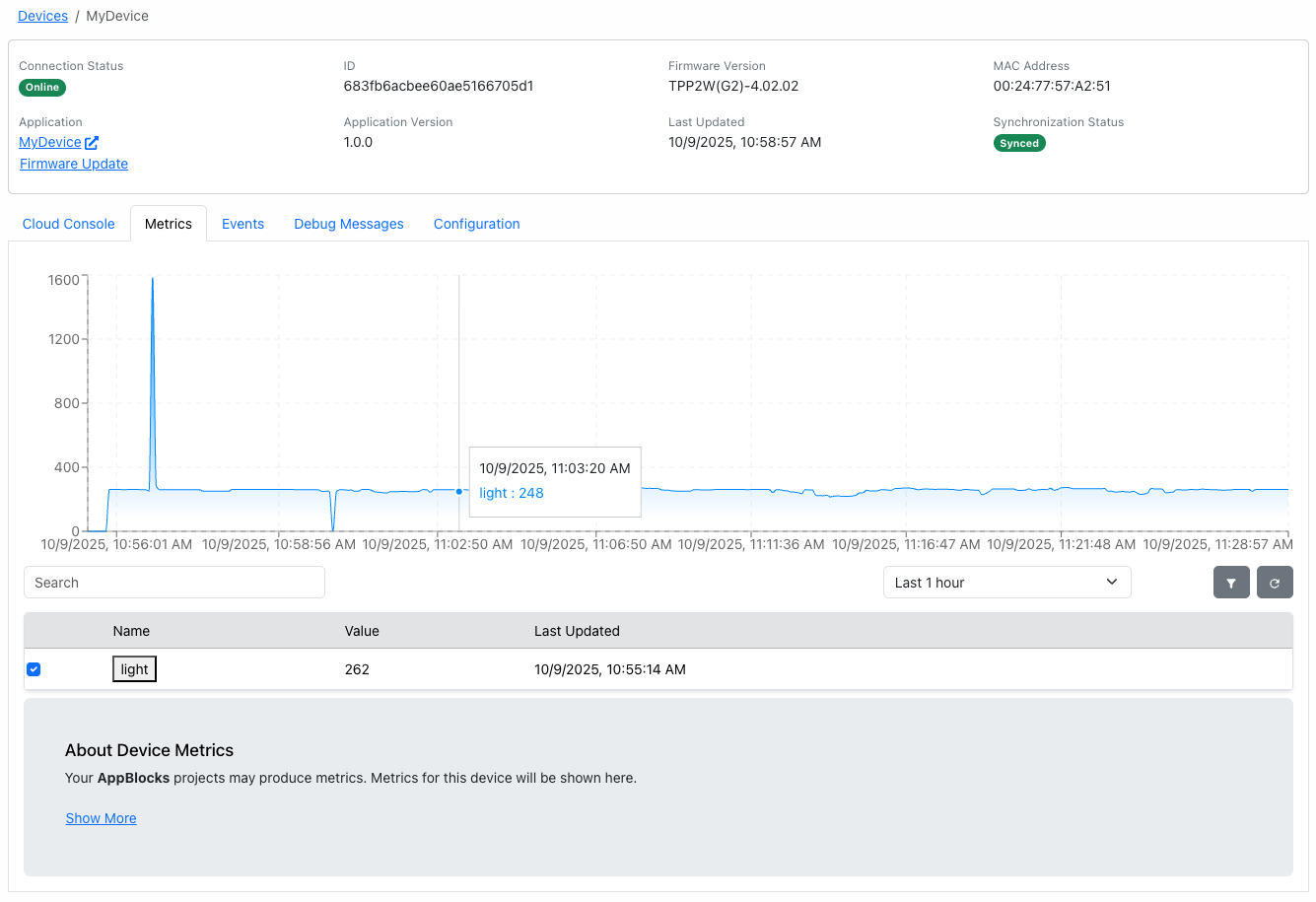
Overview
AppBlocks Cloud enables:
- Efficient telemetry data transmission
- Data batching to reduce bandwidth
- Automatic retry on connection failures
- Data queuing during offline periods
Configuration
Configure AppBlocks Cloud with these properties:
- Server: Cloud server URL
- Server Port: Cloud server port
- Username: Cloud server username
- Password: Cloud server password
- Debug Print: Enable debug printing
- Interval: Time between transmissions
- TLS: Enable TLS encryption
Data Batching
Optimize bandwidth by batching telemetry:
- Collect multiple data points
- Send in single transmission
- Reduce connection overhead
- Lower power consumption
- Minimize data costs
Offline Queuing
AppBlocks Cloud queues data during network outages:
- Store telemetry in local queue
- Automatic transmission when online
- Oldest data discarded when full
- Prevent data loss during intermittent connectivity
Related Blocks
Use these blocks for AppBlocks Cloud telemetry:
- AppBlocks Cloud Telemetry: Send telemetry data
- Debug Print: Print data to the console which is sent to the cloud
- Variable Set: Syncing variables and settings to the cloud
Transmission Frequency
Balance transmission frequency with:
- Real-time needs: Faster updates for critical data
- Battery life: Less frequent for battery-powered devices
- Data costs: Minimize for cellular connections
- Storage capacity: Avoid queue overflow
Error Handling
AppBlocks Cloud automatically handles:
- Connection failures with retry logic
- Authentication errors
- Timeout conditions
- Invalid data format errors
Linking to Settings
AppBlocks Cloud properties can be linked to settings for:
- Cloud endpoint configuration
- API key management
Power Efficiency
Optimize for battery-powered devices:
- Increase batch intervals
- Enable compression
- Use QoS 0 when acceptable
- Minimize queue size
- Schedule transmissions during active periods
Security
Secure telemetry transmission:
- HTTPS/TLS encrypted connections
- Token-based security
Use Cases
Common AppBlocks Cloud applications:
- Environmental monitoring systems
- Industrial sensor networks
- Asset tracking solutions
- Smart agriculture deployments
- Energy management systems
Integration Examples
Send data to:
- Custom dashboards and visualizations
- Third-party analytics platforms
- Business intelligence systems
Related Features
- MQTT: Alternative messaging protocol
- Azure IoT Central: Azure integration
- Variables: Data sources
Troubleshooting
Common AppBlocks Cloud issues:
- Data not transmitting: Check endpoint URL and credentials
- Queue filling up: Verify network connectivity
- High bandwidth usage: Enable compression and increase batch size
- Authentication failures: Verify API keys and tokens