Set up devices on site, straight from your phone.
The LUIS app connects to your device over Bluetooth LE, so installers can configure it where it’s mounted, even before it joins a network. You decide which settings they see, and how.
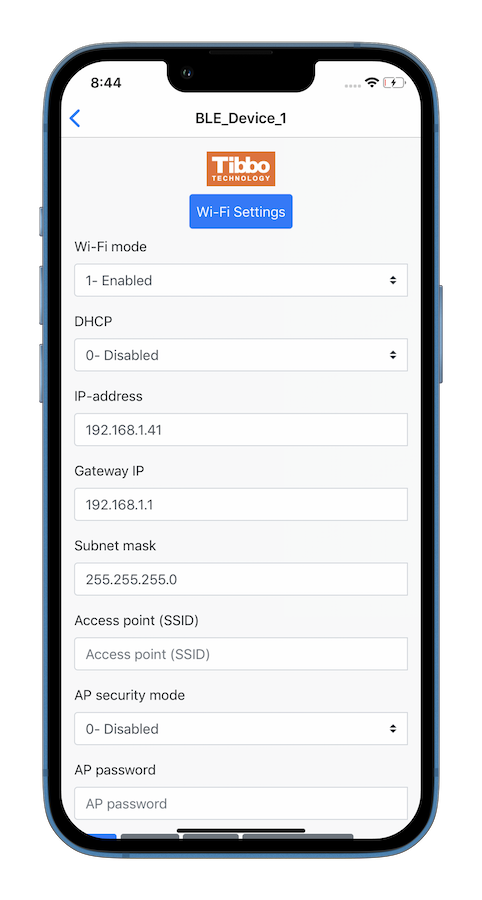
Commissioning without a laptop.
Bluetooth LE
Talks to the device directly, so there’s no network to set up first.
iOS, Android, and web
Available on the App Store and Google Play, plus a web app.
Works before the network
Configure a device on day one, before it has network or cloud access.
Your labels, your controls
Give each exposed setting a display name, a UI control type, and an edit mode.
Grouped settings
Put related settings together so installers find them quickly.
Off when you’re done
The LUIS ON/OFF block lets your app switch the interface on or off at runtime.
Pick the settings. AppBlocks builds the app screens.
Expose only what installers need
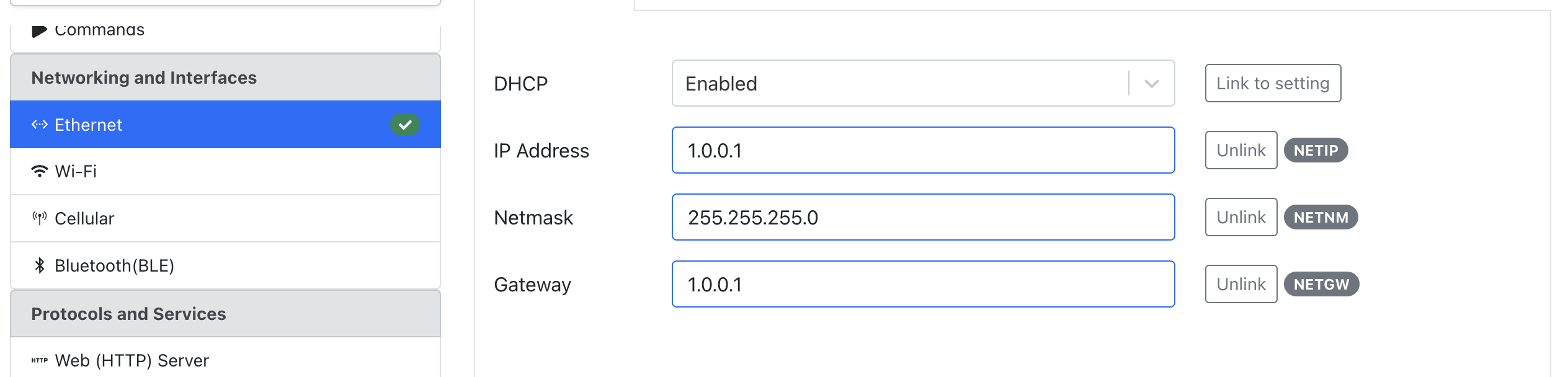
Link feature properties to settings in the Designer, then choose which ones LUIS shows. It’s the same idea as changing settings in the Web Console or AppBlocks Cloud, over Bluetooth instead.
- Display names that make sense on site
- A UI control type for each setting
- Read-only or editable, per setting
Questions, answered.
Which platforms does LUIS run on?
iOS and Android, through the App Store and Google Play, plus a web app at apps.tibbo.com/luis.
Does the phone need internet access?
No. LUIS talks to the device directly over Bluetooth LE.
Do I have to build the app screens?
No. You choose which settings to expose and how they appear, and LUIS renders them.
Can I stop people from connecting later?
Yes. Use the LUIS ON/OFF block to enable or disable the interface from your app, for example only during commissioning.
Ready to connect your first device?
Start free in your browser, follow the tutorials, or book a free one-on-one session. No board yet? We’ll demonstrate everything on ours.