Ship fixes and features to devices already in the field.
Every AppBlocks app can be updated over the air. Deploy a new version to one device or a whole group from AppBlocks Cloud, or upload it from the device’s own Web Console.
OTA without building an update server.
Versioned snapshots
Each project version is an immutable snapshot of your app and its compiled firmware.
One device or many
Assign a version to a single device, or to a device group in one step.
New devices catch up
Devices added to a group later inherit its firmware version and shared settings.
Cancel before it starts
Changed your mind? A pending update that hasn’t started yet can be cancelled.
Audit log
Every firmware assignment is recorded, so you know who deployed what, and when.
No cloud required
Update from the Web Console, or let the device fetch its own update over HTTP.
Snapshot, assign, done.
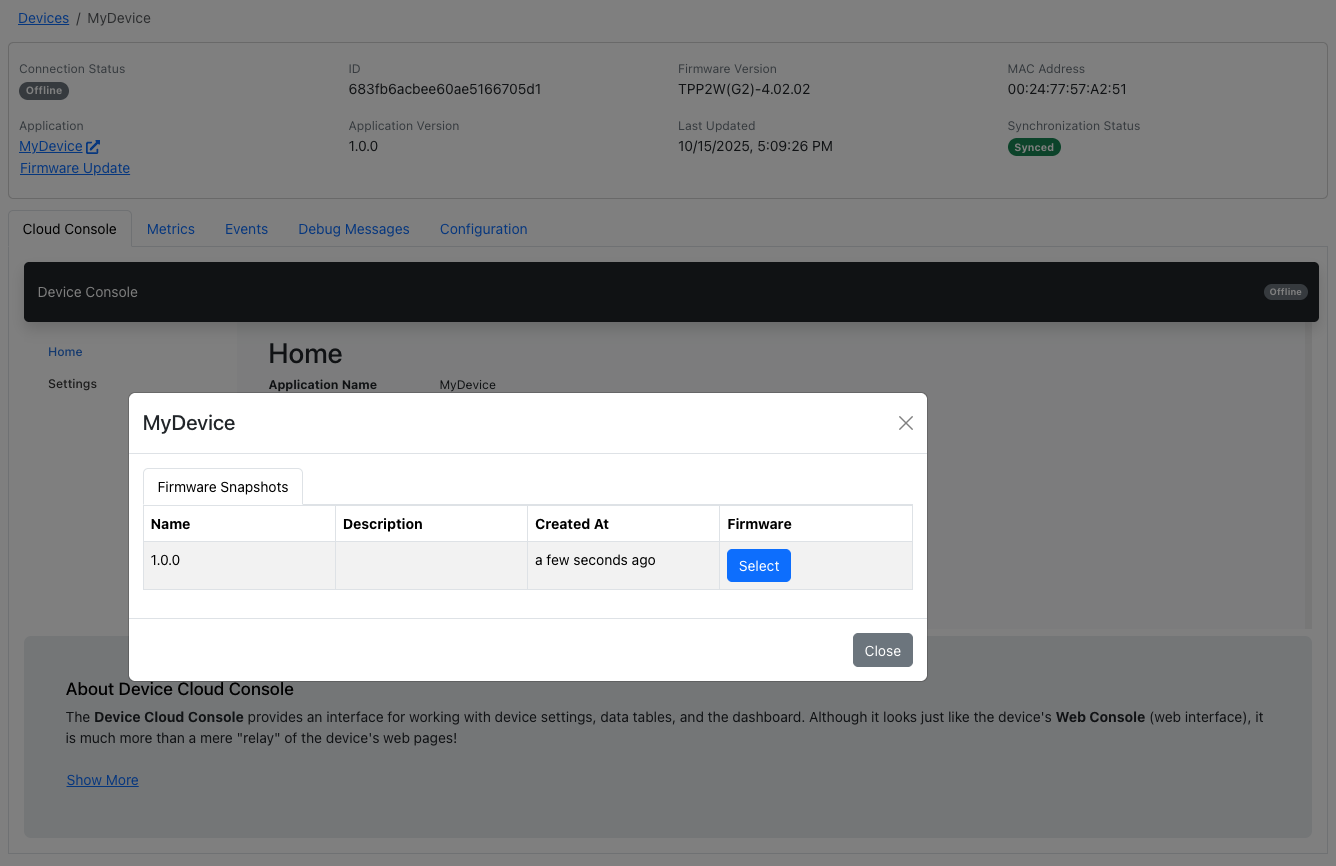
Snapshot a version, then deploy it
When your app is ready, create a snapshot. It captures the project and its compiled firmware, and the device’s application version updates automatically. Then pick the snapshot for any device from AppBlocks Cloud.
AppBlocks Cloud docs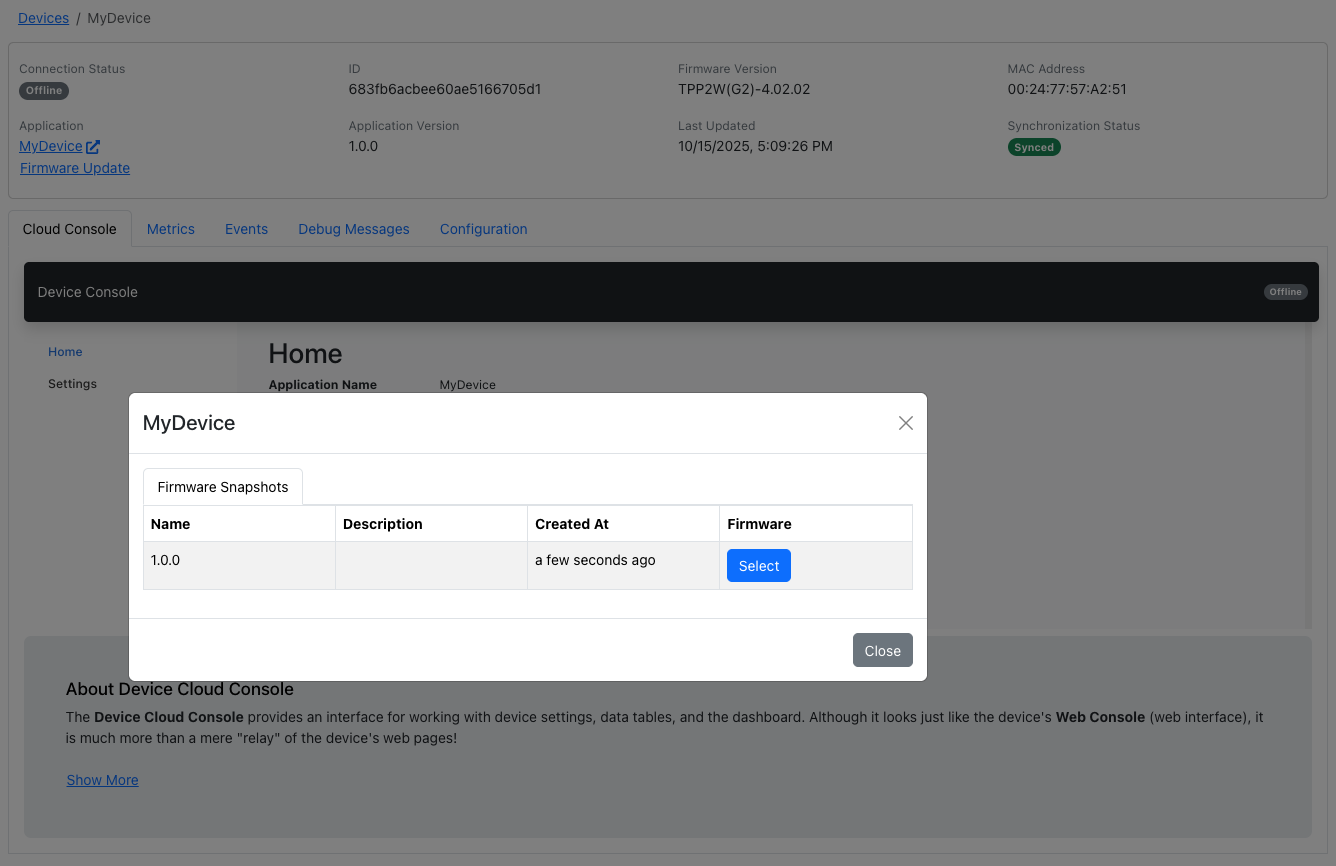
Know what every device is running
The device list shows each device’s application, version, and firmware. Put devices in groups to update them together, and new members pick up the group’s version automatically.
Device groups API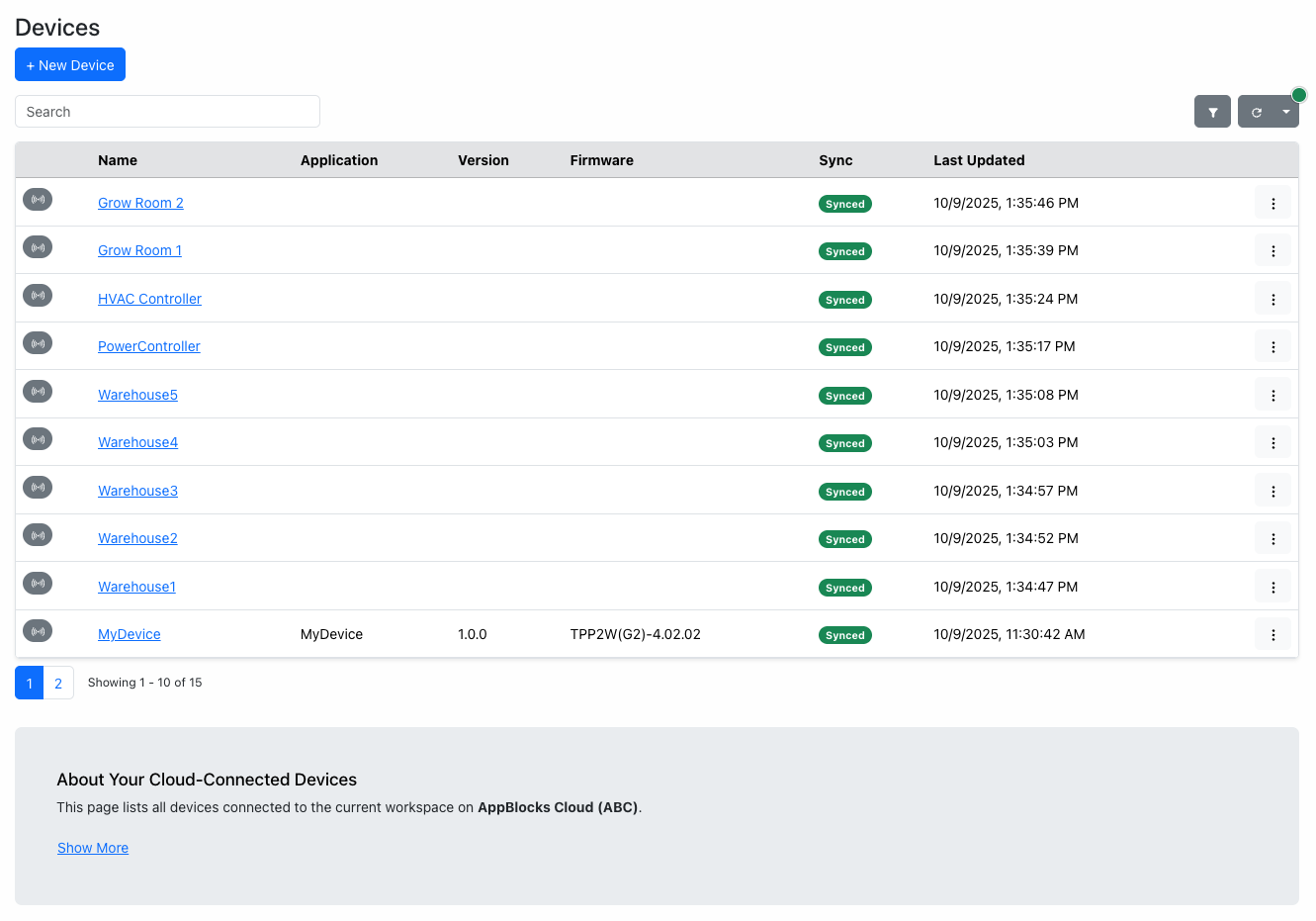
Update without the cloud
On the bench, or on a site without cloud access, upload a single file carrying the firmware and your app from the device’s Web Console. Or use the Upgrade Firmware block to have the device download an update from your own server.
Web Console firmware upgrades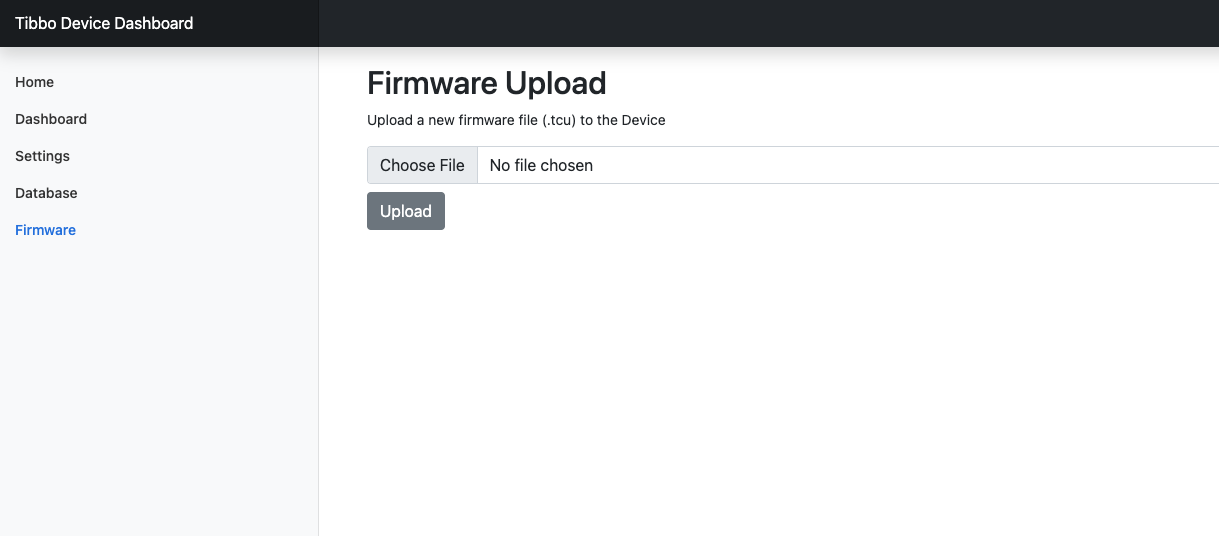
Questions, answered.
Do OTA updates require AppBlocks Cloud?
No. AppBlocks Cloud is the easiest way to update a fleet, but you can also upload an update from a device’s Web Console, or have the device download one from your own server with the Upgrade Firmware block.
What does an update contain?
Both the firmware and your application, so a single update brings a device fully up to date.
Can I update many devices at once?
Yes. Assign a version to a device group and every device in it is updated. Devices added to the group later receive the same version.
Can I go back to an earlier version?
Project versions are immutable snapshots that stay in your workspace, so you can assign an earlier one to a device or group the same way you deployed the new one.
Can I see who deployed an update?
Yes. The workspace audit log records every firmware assignment.
Ready to connect your first device?
Start free in your browser, follow the tutorials, or book a free one-on-one session. No board yet? We’ll demonstrate everything on ours.