Settings Introduction
Devices can contain settings that persist after power off. Settings are great for configuring site or device specific properties, such as a setpoint, a server address or a password, without changing the application logic.
In the AppBlocks editor, settings are defined on the Settings page of the Features step:
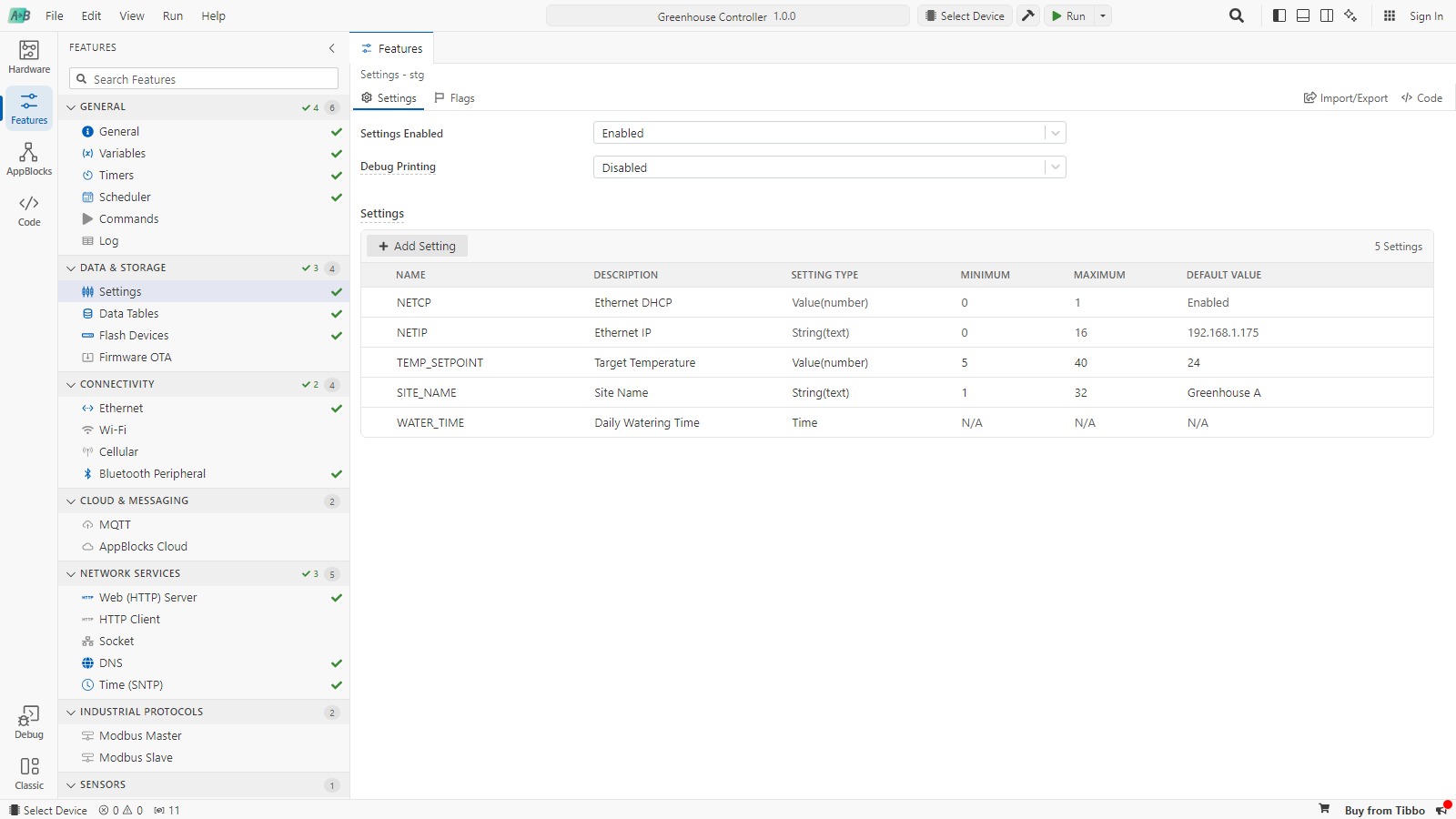
A setting brings together storage, logic and user interface:
- Settings explains how to create settings, how they are stored and how to use them in blocks.
- Creating and Exposing Settings explains how to link feature properties to settings and let users change them.
- This tutorial walks through a complete example.