Initialize Settings
This block resets every setting in the application to its Default Value. Use it to implement a factory reset.
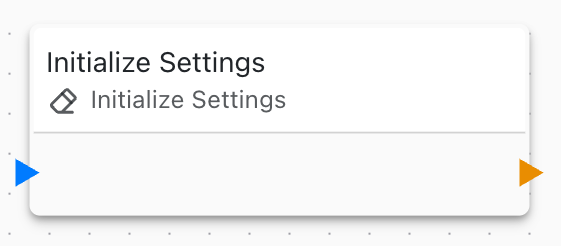
The block has no parameters. It always resets all settings at once; there is no way to reset a single setting or a group. To change one setting, set its variable with Variable Set/Math instead.
Each setting's default is the Default Value you entered in its editor. For settings created with Link to setting, that is the value the feature property had when you linked it. See Setting properties.
Example: factory reset command
This flow restores the defaults when the device receives a factory_reset command:

You can trigger the same flow from a long button press or any other event.
Features that read their settings only at startup, such as IP addresses or the MQTT server, keep using the old values until the device restarts. Follow Initialize Settings with a System Reboot block if your application links such properties to settings.
The reset erases every value users have saved, including network settings and passwords. Don't put this block on a path that can run by accident, such as On Boot.
Users can also restore the defaults without this block by clicking Initialize Settings on the System page of the Web Console.