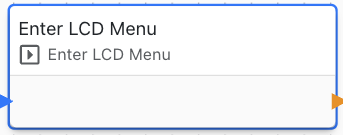
Enter LCD Menu
This block is used to enter the LCD menu.
The LCD menu is a very convenient built-in UI which allows a user to change settings.
The settings added in the LCD menu can be linked to existing device settings or new settings can be created. Then, you can specify the control type for the setting (dropdown, text box, password, IP).
The menu also lists the data tables added to the LCD feature, shows the network status and can reboot the device. While it is open, the four keypad keys belong to the menu.